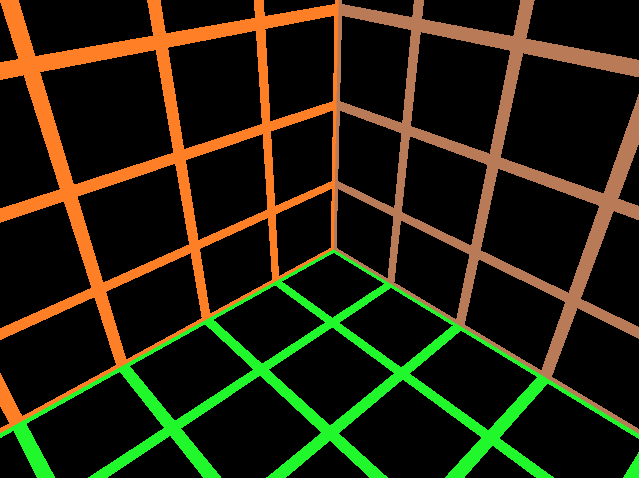
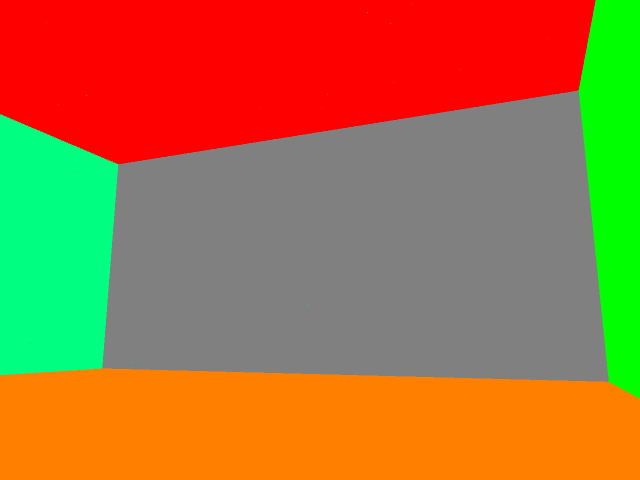
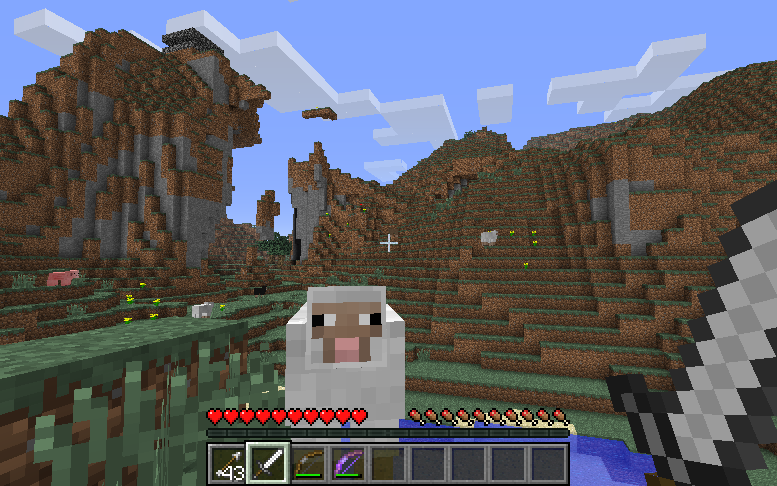
Making a Voxel-Based Shooter – Part 4.5: Improving Textures

I suppose it’s only right that we have an in-between Part. As I was working on moving onward, as I said I would in the last post, I realized that my image format I had chosen did not support an alpha channel. Basically, no transparency. Bummer. Early into my attempt at rectifying the problem, I quickly realized it would be a much larger task than I had anticipated. So, in essence, this is where we are at this week, but we will move through it swiftly and with much needed gusto.

In case you are wondering, the ability to have transparency in my textures is a major bonus because it allows me to achieve things like glass, cool-looking lasers, smoke, and much more. Without transparency, I’d just have a bunch of solid squares, which for the most part is not entirely interesting. When it comes down to file types, this is the difference between, say, a .bmp and a .png image file. Bitmaps (.bmp) are image files that are, from my understanding, the simplest to use. However, PNG’s (.png!) support an alpha channel, which means that there is more information per-pixel (4 bytes as opposed to just 3). But they also support more attractive graphics (our ultimate goal), so it’s a pretty decent tradeoff.

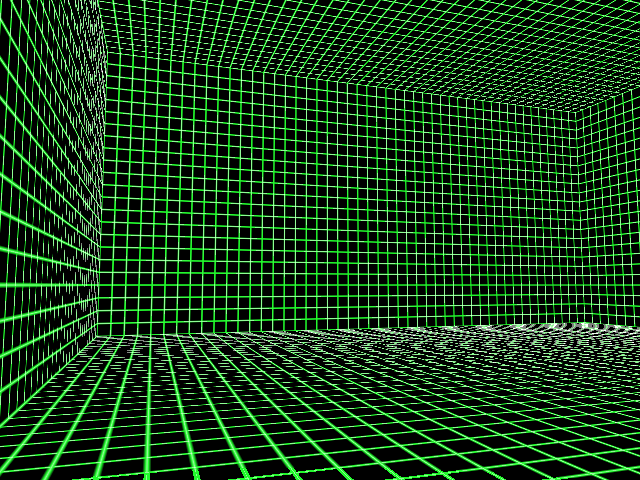
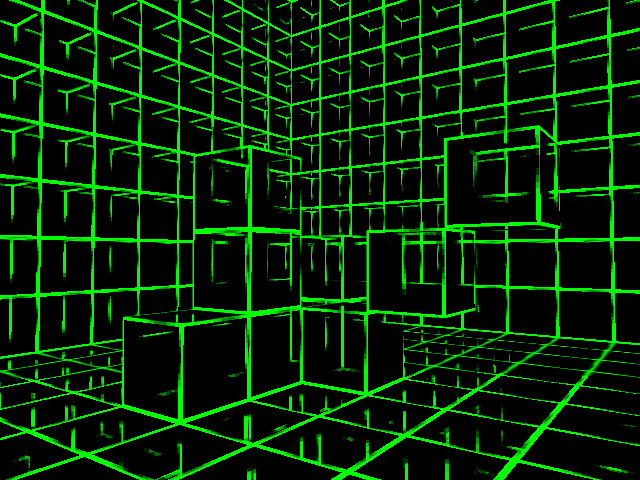
Making the switch from a bitmap file to a PNG file was a convoluted and error-ridden process, but once I finally had all of the errors extinguished, this was the resulting product:

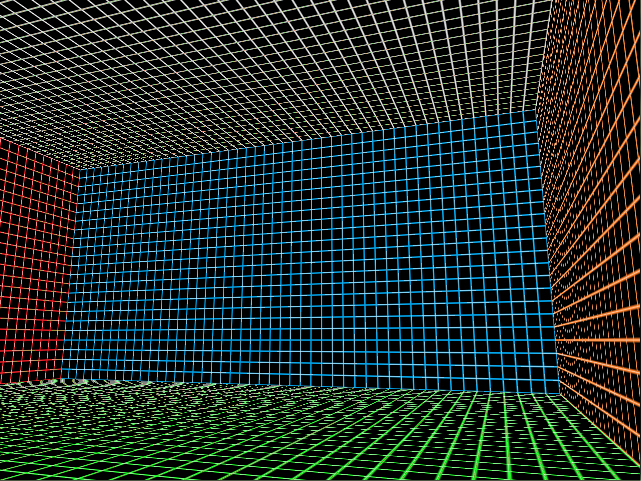
While seizure-inducing eyesore was not the initial intent, we are on the right track. This appeared to be an issue with how the texture was being loaded into memory, but once said transgressions were forgiven, the texture loaded into memory just as expected! Also, to demonstrate our new-found ability to utilize an alpha channel, I erased a portion of the block texture:

Neat. It’s kind of silly-looking, but at least we now have our PNG working!

That’s it for Part 4.5. Finally, in Part 5, we shall hopefully have all of the pieces set properly in place to have some actual shooter aspects. These include a reticule, some lasers, and fun.

Making a Voxel-Based Shooter – Part 4: Collision Detection

Though flying around aimlessly through floors, ceilings, and walls can be fun on occasion, it lacks that certain level of realism that we plan to achieve in this game. The lazy man’s method of fixing the problem would be to just kill the player if he ends up inside of a wall for whatever reason, but here, we are going to go the extra mile and not do that. What we do instead is implement some proper collision detection and reaction.

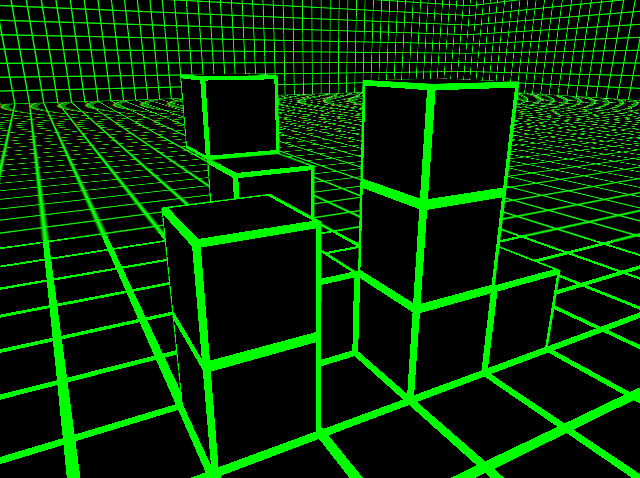
This is our stage. These are the blocks we will be using to test as many different cases of collision as I can think of. The first thing we do is set up some sort of rough draft for collision testing. I write the code for what I think will handle everything and then test it and add more code and test it and add more code and test it and pull my hair out! There are so many cases to account for that it became ridiculous to a certain point. What my code basically does is, if the character passes through a face of a cube, he will be placed back at the edge of that face so that he won’t pass through it any more. But that raises the question, “What if the character passes through two faces at once?” The answer? Well, I suppose the computer just decided that it didn’t need to account for that kind of collision. Here is what we get:

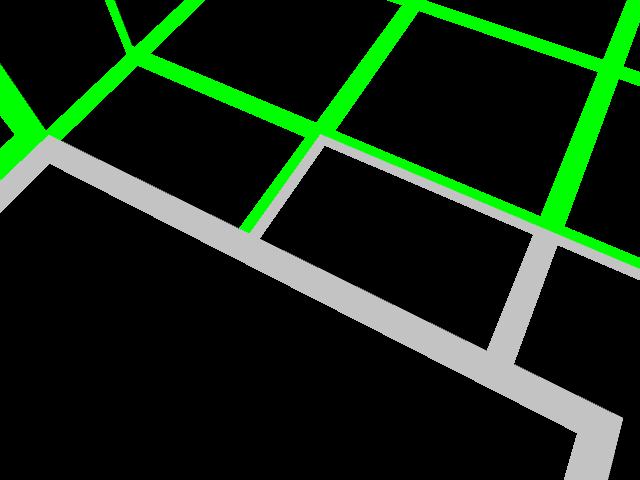
That’s me looking down at my feet which are currently stuck in the middle of a cube. Ouch. (I’ll get to why some of the cubes are gray in a bit). My solution to the issue was to add a line of code that says, “Hey, if the character happens to run through two faces simultaneously, pick a side to shove him onto.” I made it so, and now we no longer have this issue.

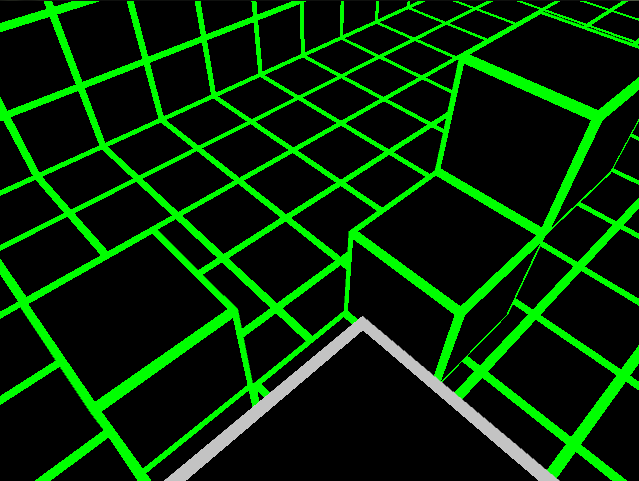
Up until this point, I’ve been telling the program exactly which cubes I want it to check for collision. I set up the stage and added those specific cubes to its hit-list. This is not at all practical for when I get a more complicated stage, where it would theoretically be checking thousands of blocks for collision 60 times a second. No, I need a system that dynamically picks which cubes to check for collision before they are sent to be checked for collision. This is where organization pays off. The way I stored the cubes in memory allows me to directly translate the x, y, and z coordinates of our character into cube ID indexes. In other words, I can get the program to pick all of the blocks nearby our character very fast and then send them off to have their collision checked. It’s a fast and simple solution to collision detection that I’ve been waiting to use for some time. This is also why some cubes are gray. That was a visual for me so that I could see which blocks were being sent to my collision detection algorithm to get tested. Here’s a better picture of what I am talking about:

Here, I stand triumphantly upon one of the highest blocks in our stage, enjoying the view.

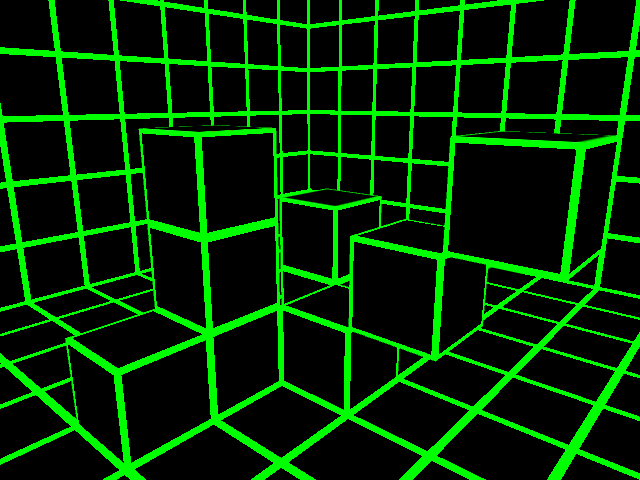
Well, that was fun. Now we have some sort of working collision detection/reaction system, a part I am quite glad to be finished with. Since this is now out of our way, we can finally add some more game aspects and playability to this project. But first, here’s another picture of our stage, this time from the back:

I am very happy with this. Collision now works great, and it’s fast. In Part 5, we continue onward as we add some actual shooter aspects to the game and run into another texture issue!

Making a Voxel-Based Shooter – Part 3: Adding Textures

So, up to this point, we’ve created a fairly unattractive room composed of small one-cubic-meter boxes. Pretty cool huh? Well, I think we can make it more interesting. See, the sheer scale of this room (50m by 50m by 25m) is quite difficult to grasp with each side of each cube being a plain, solid color. That is when we reach into our special bag of tricks to find textures!

Textures are nice little (or not-so little) graphics we can paste on our 3D geometries. They provide flavor to our environment, drawing in all colors of the spectrum and rendering with our geometries to create an attractive end-product to output to our user. Well, attractiveness is well on the horizon, because textures in this case are merely to give us a grid with which we can base our location upon.

The first step, as always, is to figure out what exactly we need within the context of our project. With this project, every texture will be 16×16 pixels, exactly the same size as textures found in Minecraft. This format actually allows us to do some pretty neat things. First of all, we will store all of the textures in a 256×256 sprite sheet. With each texture filling up 16×16 pixels of space, that means we will be able to fit 16 columns of textures, as well as 16 rows. 16 by 16 would be 256, which also happens to be the same number of unique ID values our cubes are able to have based on the “char” data type! Mind blown.

Our next step is to write a simple algorithm to apply a 16×16 portion of the sprite sheet to each face of a cube based on its ID value. With that implemented, our scene suddenly looks a little more interesting.

There we go. Now we can have a better idea of how large our room really is! Just for fun, let’s change the ID values of each wall to a different number, and draw a few more sprites onto our sheet. This is what we get as a result:

Well, at the very least, we now know that our scene doesn’t look too bad with some added variation. This is not a permanent change, but it’s nice to get a taste of how it may look in the future when we have fancy things like lighting in place.

Now, we come to some problems I did not expect. First of all, see what looks to be smudges of white in the distance? It’s most noticeable where the floor is viewed from an extreme angle. After some testing, I realized that this effect is the result of adjacent textures on the sprite sheet bleeding into the texture on the face of the cubes. I might fix this issue later, but given that my rooms will most definitely not be this large or this simple in the future, it’s not on my top priority list.

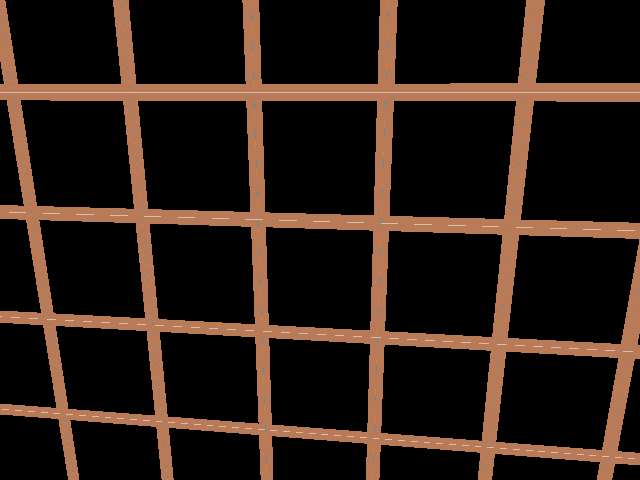
Yet another issue I encountered was this:

Guess what, this issue is also a result of bleeding textures! The blue and white lines visible between the squares is a small portion of an adjacent sprite, so this problem was fixed simply by stretching the texture out on each cube face slightly, cutting off a small amount of each edge to prevent bleeding. Here is the outcome:

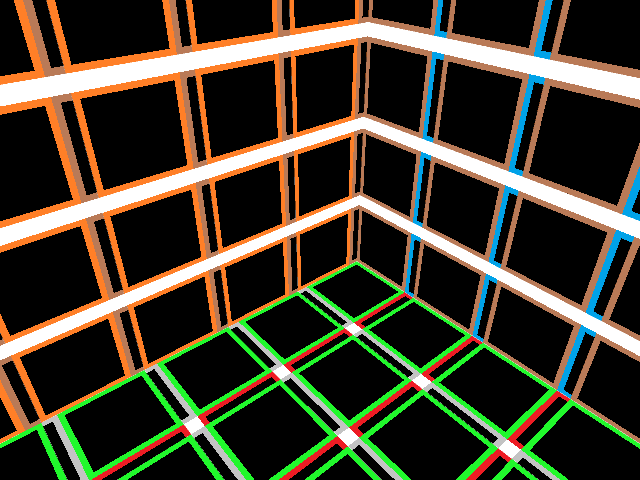
Hold on, that’s not quite right. See, though we ended up with a neat plaid pattern, this is not exactly what we were looking for. What happened is that I put a negative number where it should have been positive, and I actually increased our bleeding problem. Whoops. When I change it to a positive, this is what we get:

That is what we are looking for. All of the bleeding is finally gone!

Now you may be wondering why I showed you my mistakes, rather than just skipping ahead to where everything is perfect and pretty (relatively). The reason is because I want to show you that programming is not the idea of putting numbers together to magically create a functioning program. Programming is a meticulous process of trial and error, even for the professionals to a certain degree. This is not to say that every program is intensely complex to understand, as they do vary greatly in complexity. However, it is to say that writing a program is so open-ended to the point where the computer takes everything the programmer writes absolutely literally, and if there is a bug in the program, it is usually the fault of the programmer, not the computer. I like to show you my entire process, including my mistakes, because I believe that is an essential part of what programming is all about. Learning from my own mistakes is what I do 50% of the time while programming. 49% of the time I’m banging my head on the keyboard over a small, mysteriously dysfunctional portion of code, and the other 1% of the time I’m making progress.

That’s it for textures for now. So far we’ve developed a stable framework on which we can develop more game! In Part 4, we get to take a look at making this game playable. This is a large and exciting next step which includes camera movement, character movement, and collision detection/reaction!
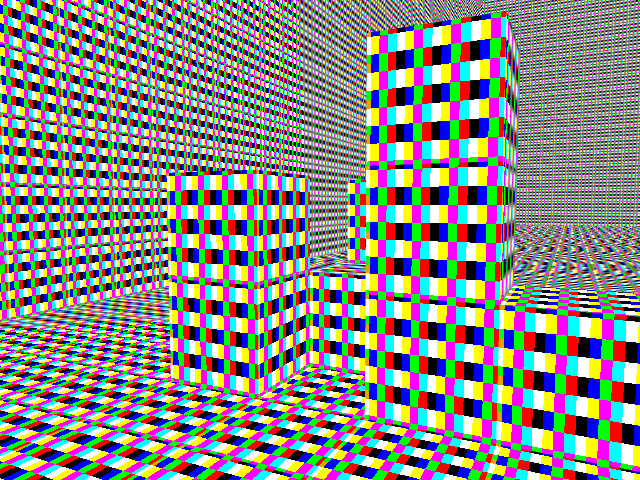
Making a Voxel-Based Shooter – Part 2: Controlling the Cubes

As with any large project (such as starting a lemonade stand, crafting a house, or starting a country), it’s a good idea to begin with a firm foundation in either materials or morals (ideally both). In this project, nearly everything is made up of cubes, so that is where we will start.

Actually, I lied. Before we construct any visual elements, we need a window in which we can do such things. Normally when compiling C++ code, you get a command window, which can handle simple input and output in the form of a black background and boring white text. These tools here are extremely limited in graphical capabilities, so that is when we turn to SDL. SDL, along with many other APIs we could have chosen, has the basic purpose of creating windows (for graphics!) and handling user input. There are several other uses too, but these are the main ones we will be using. So, I initialized SDL, and I got something like this:

Well, that’s not very exciting. However, there is a remedy to this. Though SDL will allow us to do simple 2-dimensional graphics, a little library known as OpenGL (Open Graphics Library) allows us to accomplish much, much more. I wrote a quick method of drawing a cube using OpenGL, and this is what it gave me:

That’s pretty neat! It rotates too, but that’s difficult to see in a still shot.

Alright, so now we’ve got SDL working, and OpenGL is willing to draw us a cube. What’s next? LOTS of cubes! Yes, this game is all about cubes, and we will need several of them. At this point, we must ask ourselves, “At the very basic level, how would we begin going about rendering thousands of cubes and storing them in memory efficiently?” The first thing we need to do here is find a place in the computer’s memory to store these cubes, but since we will be dealing with thousands of them, we want to keep the information per-cube quite small. Otherwise it will attack our computer’s RAM with a vengeance. Trust me, you don’t want that.

What we do then, is construct a 3-dimensional array of the “char” data type. An array, in C++, is a manner of storing data. It’s limited in terms of flexibility, but that is also what makes it fast. Since we only care to store one kind of data in it, and we won’t need to change its size later on, this is what we will use. The “char” data type is usually used for storing characters (like ‘a’, ‘b’, ‘%’, etc.), but at its heart, it is a single byte of data. This is perfect for what we want because we need to store as little information as possible per-cube and the “char” data type can hold up to 256 different values. We will use this data to store the “ID” of each cube, which the program will later interpret to be a certain block type (e.g. 0 = air, 1 = solid, 2 = sponge).

I implemented the 3-D array of chars (50 x 50 x 25), and I set the ID of the blocks around the outer edge to 1 and every other block to 0. Also, I placed the “camera” somewhere near a corner.

[Note: The project is still in a window created by SDL. I just cut that part out here because it is unnecessary to show all the time]

Whoa! Now that’s starting to look like a room! Clearly, it’s not too attractive yet, but attractiveness is something that will develop over time. In Part 3, we will take a look at the first step in that direction.

Making a Voxel-Based Shooter – Part 1: Introduction

Welcome to the first blog post of this series! Here, I will be periodically updating my progress on a voxel-based shooter project I am laboring over. “What is ‘voxel-based’?” you may ask. “What language and libraries are you using?” you may ask. “Why are you making up questions for me to ask?” you may ask. All of these questions (and more) will be answered here in a moment.

First off, this is a side-project. It’s not my full-time job by any means, so updates may be sparse at times. However, I will do my best to post entertaining content as frequently as possible.

What is the idea behind this game? Well, I won’t go into too much detail here (the reason being that it’s either boring to most people or not fully developed yet), but the things I do have in concrete right now are:
1) It will be voxel-based, which means that the entire world will be made up of cubes (think Minecraft). Each one is approximately 1 cubic meter in the game space.
2) It will be a futuristic shooter. Think of Star Wars in terms of how the bullets and other such effects will look.
3) It will be multiplayer. It’s only planned for Local Area Network (LAN) compatibility at the moment, but there may be the potential for some online stuff as well. This is, however, quite far in the future from where we are now, and I have no idea how long it will be before we arrive at that point.

What am I using? For this, I am using the programming language known as C++. It’s something I’ve recently begun using, and I’m using this project to see what it can do. I’ve heard it’s capable of making programs that run quite fast, and that’s something I’m looking forward to. I am also using OpenGL for the 3D and SDL for everything else (window and input handling mostly). This project is intended to familiarize me with these fine tools and (maybe) entertain some other people while I’m at it.

What was my inspiration? The idea for this voxel-based shooter finds its origins from a few distinct locations, but there are three main inspirational sources that I am striving to model after:

Minecraft! Yeah, I’m sure nobody saw this one coming. Though it’s not an entirely original concept in itself (as it drew its roots from both Infiniminer and Dwarf Fortress), it has this certain feel to it that makes it special. I hope to capture a sort of similar feel with this game, though it will actually take place indoors rather than out.

This is GLTron. It’s not an overwhelmingly popular game, but it is strangely addicting to play it with friends. It’s basically centered around the idea of Light Cycles from Tron and how they work. The game is, however, locked to a grid like the original Tron, which I oddly find more enjoyable than the newfangled method of Light Cycling.

[screenshot courtesy of pc.gamespy.com]
Finally, we have Star Wars: Republic Commando. Basically, this is one of my favorite first-person shooters of all time. Not just because I’m a fan of Star Wars, but because of the atmosphere of the game. The premise of the game is that you are the leader of a small group of (quite talented) clone troopers, and you run around doing things together in a tactical manner. It has a great story, great gameplay, and quite smooth visuals, especially for a game encroaching on a decade of age.

In conclusion, I’m a bit overly excited to get working on this voxel-based shooter of mine, and I look forward to sharing it on this blog. It will take some time to form something worth playing, but the journey there will be worth it. Feel free to leave comments and suggestions as the game develops. I do have a bit of a set plan for the beginning, but I will have more room for freedom and changes as the game moves along.